

Published: June 22, 2026
By: Ram Niwas – MacBook Troubleshooting Expert
LinkedIn Profile: https://www.linkedin.com/in/ram-niwas-59523417b/
Apple released the Developer Beta of macOS Golden Gate (macOS 27) a few days ago. While many users are excited about the new Siri AI and Liquid Glass design, several early adopters are reporting bugs and performance issues.
Here are the most common problems reported by real users worldwide:
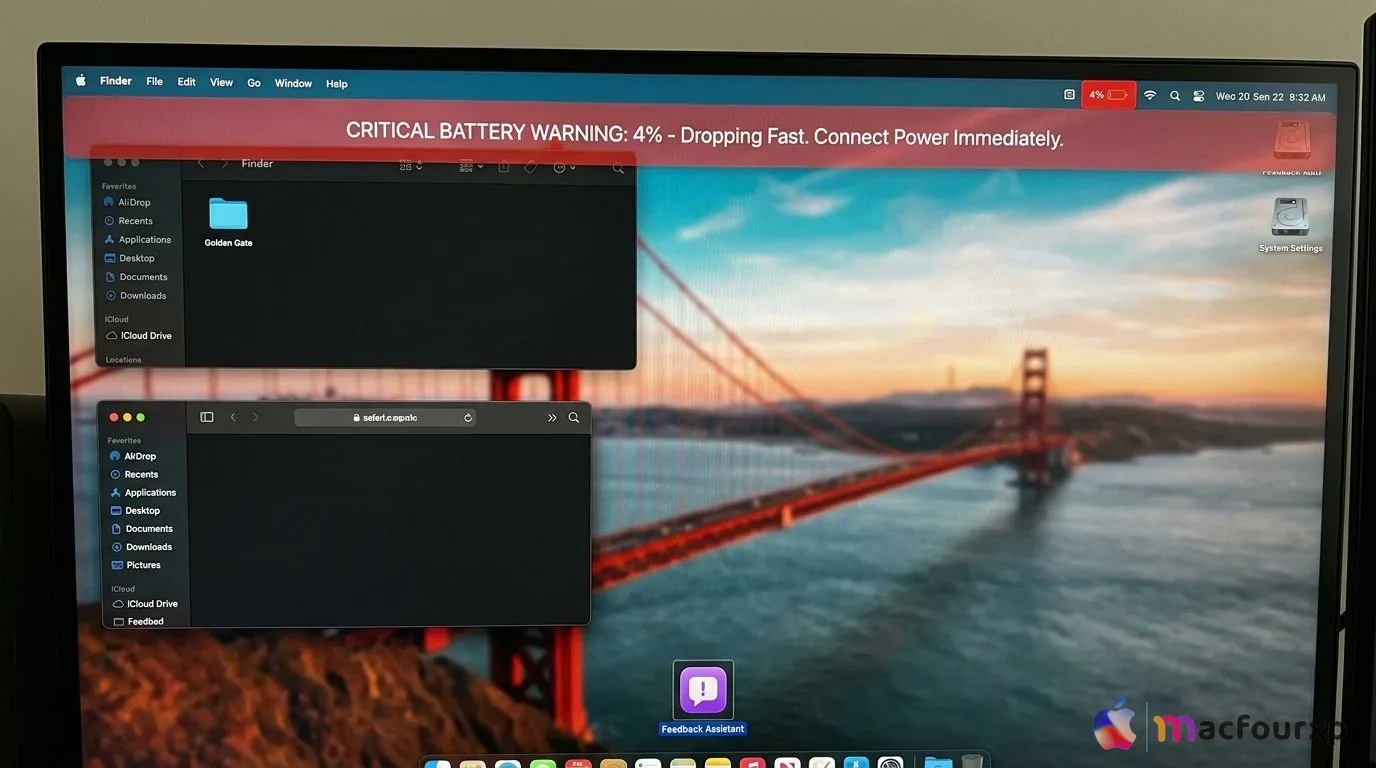
1. Battery Drain Issues
Many users are complaining about significantly higher battery consumption after installing the beta.
- Reported By: MacBook Air M2 & MacBook Pro M3 users
- Symptoms: Battery drops 15-20% faster than usual
- Possible Fix: Disable Background App Refresh and Location Services temporarily.
2. Wi-Fi Connectivity Problems
Wi-Fi drops frequently and reconnects automatically.
- Common on M1 and M2 Macs
- Some users reported slow internet speeds
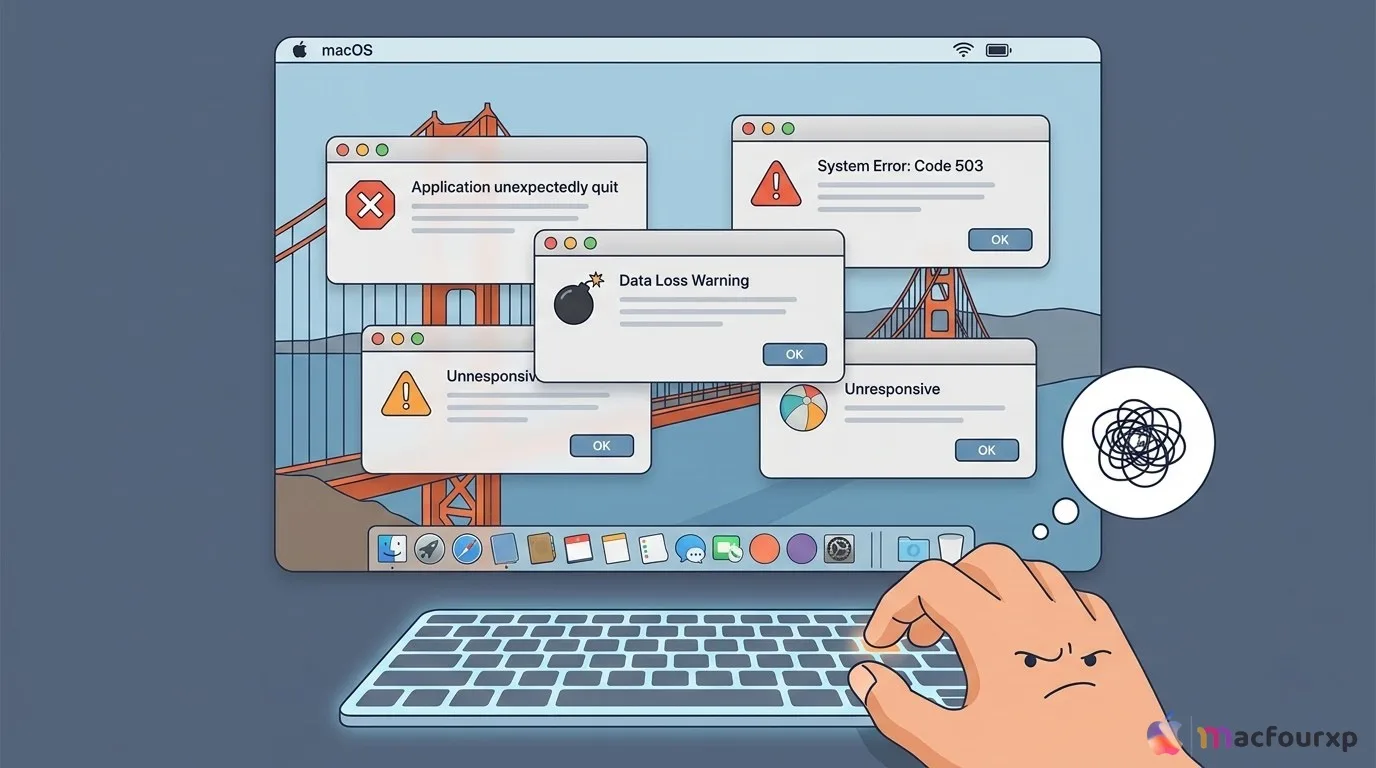
3. Apps Crashing Frequently
- Safari, Mail, and some third-party apps (especially Adobe and Microsoft apps) are crashing randomly.
- Stage Manager and Split View features are also unstable.
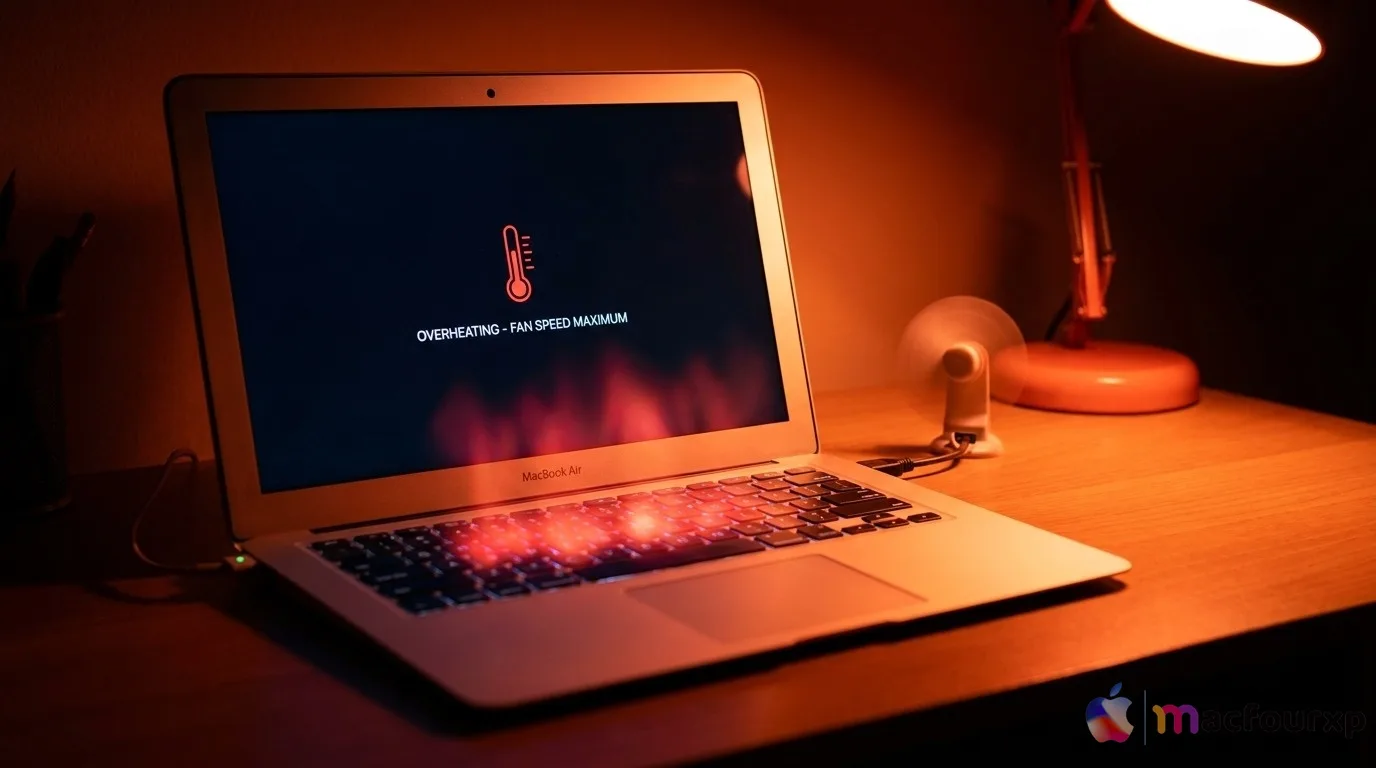
4. Overheating & Fan Noise
MacBooks are getting hotter than usual, especially during video calls or while using Siri AI features.
5. Siri AI Not Working Properly
Many users who joined the waitlist are still waiting for access. Some who got access report delayed responses and inaccurate results.
Should You Install macOS Golden Gate Beta?
Recommendation: If your MacBook is your daily driver and you have important work, wait for Public Beta (expected in July 2026). Install only if you have a secondary Mac or are okay with possible instability. Always create a full backup before installing any beta version. Read our Complete Backup Guide before macOS Golden Gate.
Final Thought:
macOS Golden Gate is promising, but as with every first beta, it has several teething problems. Most issues should be fixed in the upcoming beta updates. We will keep updating this article as more user reports come in.